Daycare Management System Features & Requirements
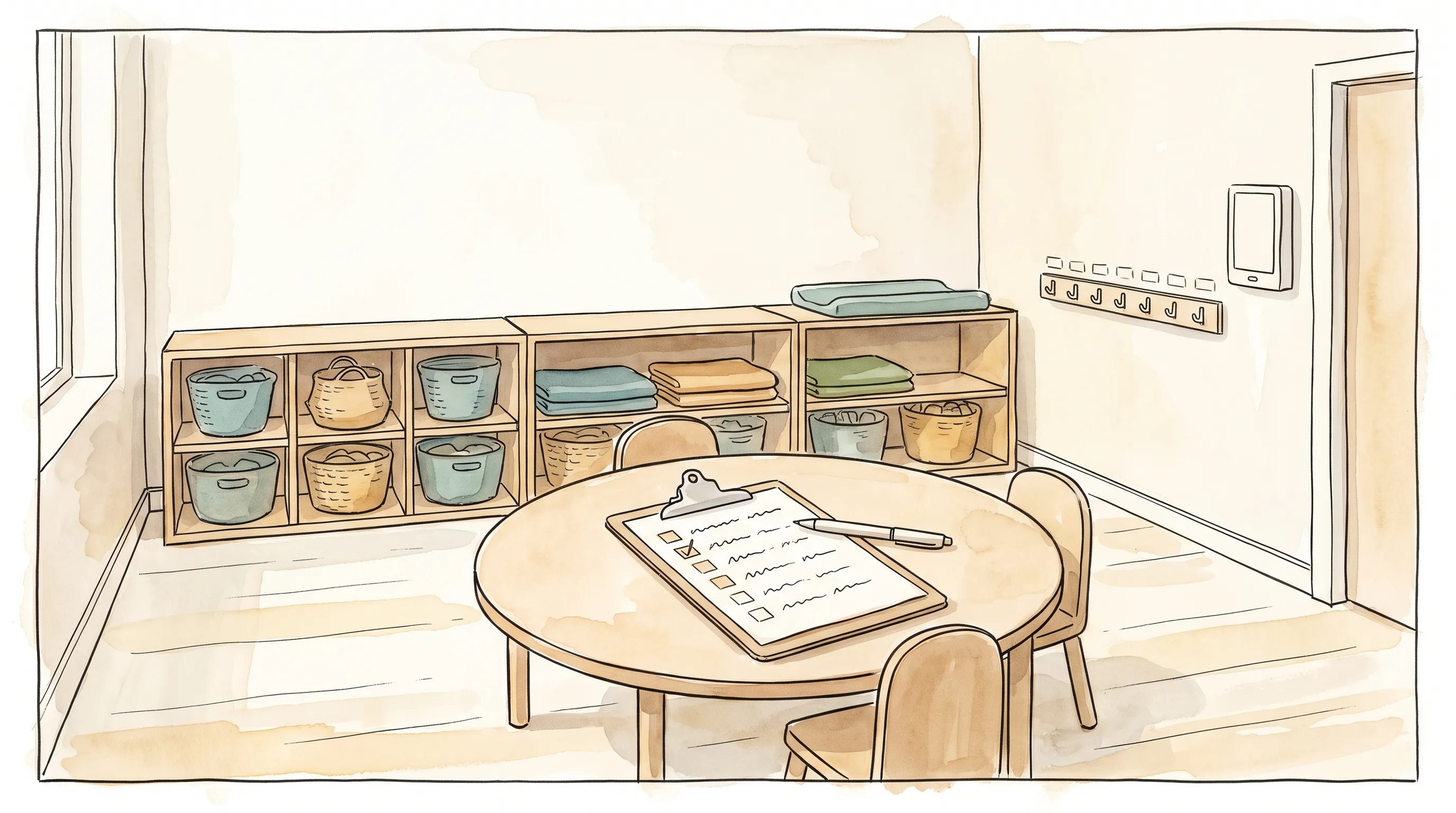
If you’re building a shortlist — or writing an RFP — the fastest way to compare daycare management systems isn’t a star-rating table. It’s a daycare management system features requirements checklist: the specific capabilities your center, or your solo home-based program, actually needs, checked off category by category before a single vendor demo. Star ratings tell you whether other people were happy; a requirements checklist tells you whether a given platform can do the specific job you need done.
This guide sets out nine requirement categories that cover what actually differs between daycare management systems — enrollment paperwork, ratio compliance, health screening, billing, developmental tracking, data privacy, and more — and then walks through how 13 named platforms, BeeNet included, stack up against each one. Facts below come from each vendor’s own site as of August 2026; where a vendor doesn’t publish something (a price, a feature list), that’s stated plainly rather than guessed at. No platform here — including BeeNet — clears every category, and its own gaps are named in the same section as its strengths.
Daycare management system features & requirements, category by category
Use this as a working checklist: for each category, decide whether it’s a hard requirement, a nice-to-have, or irrelevant to how your program actually runs, before you look at a single vendor.
1. Enrollment, intake paperwork & waitlist
- A digital intake form that replaces the paper packet — child details, guardian information, emergency contacts, and authorized-pickup list in one place. (If you’re not ready to switch software yet, a free childcare enrolment form template covers the same fields on paper.)
- E-signature on enrollment paperwork specifically, not just a general “digital signing” claim — ask which document types it actually covers.
- A named, marketed waitlist or inquiry-CRM feature for prospective families — this turns out to be one of the least consistently marketed capabilities in the category; most vendors fold it into “enrollment” without a dedicated tool, so verify it exists as a real feature rather than assuming it. Our dedicated comparison of daycare waitlist software goes deeper on exactly which platforms ship this as a real, standalone feature rather than a marketing checkbox.
2. Attendance, staff-to-child ratio & scheduling
- Real-time ratio tracking per room, not an end-of-day report — the requirement is knowing you’re in breach before a licensing inspector would, not after.
- Ratio rules that match your actual jurisdiction. A generic “ratio calculator” built for one country’s age bands is a liability if your licensing rules use different cutoffs.
- Staff scheduling that accounts for ratio coverage during breaks and shift changes, not just a general roster.
3. Daily health screening & safety
- Drop-off health screening (temperature, symptoms, general appearance) as a distinct workflow step, not a free-text note field.
- A send-home-sick workflow and a way to alert other families in the same room of potential exposure without naming the affected child.
- Medical profiles, allergy flags, and an authorized-pickup list that staff can check against photo ID at the door.
4. Daily family communication
- Two-way messaging between staff and guardians, with permission controls so not every message reaches every family.
- A daily summary of meals, naps, activities, and mood for younger children — this is the single feature most likely to be the reason a family actually opens the app every day.
- Confirm whether photo/video sharing is a live, shipping feature or a roadmap promise — this is exactly the kind of claim worth checking against the vendor’s current site rather than a sales deck, since “coming soon” language ages badly on marketing pages that don’t get revisited.
5. Billing & tuition collection
- Decide first whether you need billing inside the platform at all. If you already run invoicing through a separate accounting system, built-in billing is a cost you’re paying for and not using — several vendors below charge a per-transaction card-processing fee whether or not you use it heavily.
- If you do need it: does pricing publish the actual processing rate, or is that only disclosed after a sales call?
- For a solo or small home-based provider, per-child pricing matters more than a flat monthly fee — a $16/month “unlimited” tier is a worse deal at 4 children than a $9/month tier built for exactly that size.
6. Developmental tracking & learning documentation
- Milestone tracking mapped to a recognized framework (EYFS, EYLF, NAEYC, or a national curriculum) rather than a generic “progress notes” field — this matters most if your license or accreditation body asks for it.
- Parent-visible progress reports, exportable as PDF, for families who want a record outside the app.
- If curriculum planning or lesson documentation is a requirement, confirm it’s built for early years specifically — several platforms in this category are general school software with early-years features bolted on, and the checklist rows that follow show it (gradebook fields, secondary-school terminology).
7. Staff records, licensing & compliance reporting
- An exportable compliance report — ratio breach logs, incident reports, staff certification records — in a format your licensing body will actually accept.
- Staff certification and training-expiry tracking, if your jurisdiction requires it.
- CACFP or equivalent meal-subsidy program tracking, if you’re a US operator participating in that program — this is a genuinely specialized requirement most platforms outside the US market don’t build for at all.
8. Data privacy, hosting & language support
- Where the data actually lives, not just a “GDPR compliant” badge on the pricing page. Ask directly whether the vendor’s own terms permit EU-resident children’s data, and where.
- Native language support — not a browser-translated interface — for every language your staff and families actually use, including right-to-left layout if Arabic is one of them.
- Data retention and export rights when you leave the platform — a requirement worth confirming in writing before you sign, not after.
9. Fit for a home-based provider vs. a multi-room center
- A 40-child, multi-room center and a 3-child home-based program need genuinely different tools, not the same tool at a smaller price. Pricing built around per-child blocks (rather than a flat “up to N children” tier) usually signals a vendor that’s actually thought about the home-based case.
- If you run more than one type of program — a daycare alongside a school, sports club, or community center — decide whether you want one platform across all of them or are fine running separate systems per program.
How 13 daycare management systems measure up against these requirements
Ordered alphabetically after BeeNet, not by ranking — the right fit depends entirely on which categories above are non-negotiable for your program. Figures were checked directly against each vendor’s own site.
BeeNet
BeeNet runs daycares, schools, sports clubs, and community centers under one subscription, which matters specifically for category 9 if you operate more than one program type. On the checklist above, it’s strong on ratio compliance (real-time per-room tracking with country-specific profiles for France, UAE, Saudi Arabia, the UK, and broader GCC, plus threshold alerts and breach logging), daily health screening (temperature/symptom checks at drop-off, a send-home-sick workflow, and anonymous room-wide exposure alerts), and developmental tracking (five domains — gross motor, fine motor, cognitive, language, social-emotional — mapped to France’s maternelle framework, EYFS, EYLF, and NAEYC, with parent-facing PDF reports). Document distribution carries genuine e-signature with PDF sealing and GDPR-aligned retention. Parents and guardians sign in without managing a password, receive their invitation by WhatsApp or email, and the interface is native French, English, and Arabic with full right-to-left layout. Pricing is published: free for up to 25 members, then €49/month (200 members), €149/month (500), or €299/month (unlimited), each with a 30-day trial.
The honest gaps: BeeNet has no billing or tuition-collection feature at all — no invoicing, no card or ACH processing — so category 5 stays on whatever system you already use. There’s no dedicated enrollment waitlist or inquiry-CRM tool for prospective families (category 1). The parent-facing daily photo and video feed is marked Coming Soon rather than live today. And there’s no distinct home-based/solo-provider product or pricing tier the way a couple of vendors below build specifically for that case — the free tier’s 25-member ceiling can technically cover a small home program, but nothing about the product is built around it.
Brightwheel
The broadest single-vendor feature set in this list — billing with autopay and subsidy management, digital signatures at check-in/out, ratio tracking, lesson plans and assessments, staff payroll, and CACFP menu tracking, with an explicit “in-home child care” category in its own navigation. Pricing isn’t published anywhere in the site flow; every quote starts with a lead-capture form. No self-serve features checklist was found either, so a side-by-side comparison against a category like this one has to be filled in by a sales call, not the site itself.
Procare Solutions
A long-established US platform (40,000+ centers claimed) with a genuinely distinct in-home-daycare product line, not just a smaller plan of the center product. Like Brightwheel, pricing is entirely quote-only — including on the dedicated in-home page, where one earlier marketing mention of “$25/month” wasn’t confirmed on a direct check and shouldn’t be treated as current. No features checklist is published for self-serve comparison.
Lillio (formerly HiMama)
HiMama rebranded to Lillio — same product line, new name; don’t treat these as two separate vendors when comparing quotes. It covers the category basics (operations, curriculum, family engagement, billing) and adds something unusual in this set: paid professional-development courses for staff. No pricing was found — the pricing page returned a 404 on a direct check — and no explicit home-based positioning appears in the marketing copy.
Famly
The clearest published pricing in this entire list: £79 (Foundation), £159 (Premium), and £209/month (Professional), plus a Custom tier for groups of 10+ sites — all UK/Ireland only, excluding 20% VAT, with a genuine tier-by-tier features checklist (registration forms gated to Professional, staff scheduling and live translation at Professional, API/SSO at Custom). If your program is inside the UK or Ireland, this is the easiest vendor here to actually budget for before a sales call. Outside that region, none of the published pricing applies, and there’s no home-based option at any tier.
Kangarootime
Center-focused US software with a branded parent app for daily photos and updates. No pricing page exists on the site at all — every path leads to “Schedule a Call” — and no features checklist or explicit e-signature mention was found. Of the vendors checked, this is the one with the least public information to evaluate before talking to sales.
Playground
Playground’s marketing site (playgroundapp.com — not playground.com, an unrelated product) is fully client-rendered, and no pricing, feature list, or home-based-vs-center positioning could be confirmed from the site directly in this pass. If Playground is on your shortlist, get current numbers straight from the vendor rather than a secondhand source.
Illumine
The most complete self-serve features checklist in this set — 40+ rows across parent communication, center management, programs, billing, learning, and inquiries/waitlist — and the only platform here whose own demo-booking form includes “Planning to Open Home Daycare” as a selectable option, alongside explicit e-signature and geofencing for attendance security, and AI-powered translation across 15+ languages on every tier. Three named tiers (Standard, Business, Enterprise) show a full comparison table but no dollar figures anywhere — still a sales conversation before you see a price.
Kinderpedia
EU-headquartered with published EUR pricing — €49/month (Starter), €99 (Essentials), €199 (Professional) billed annually, roughly 20% more if billed monthly — and one of the most granular checklists here, 60+ rows across all four tiers. Multi-currency support appears at Professional and above, which is rare in this category. It also markets to primary/secondary schools and franchises, not just early years, so some checklist rows (gradebook fields, video conferencing) won’t be relevant to a pure daycare buyer. E-signature isn’t explicitly mentioned.
Ovivio (formerly Blossom Educational)
Blossom Educational no longer exists as a separate brand — its own site now redirects to Ovivio, and any source still describing “Blossom Educational” as current is out of date. UK-focused, with published pricing (£79/£129/£179 per month billed yearly, custom for 5+ sites) and a detailed features checklist across child planning, safeguarding, and finance. Its standout requirement fit is UK-specific funding integration — Tax-Free Childcare and Funding Loop export — which won’t transfer to a non-UK operator. Center-based only; no home-based option.
Tadpoles
Operates under Teaching Strategies rather than as a standalone product, and functions more like a sign-in and registration portal layered onto whatever system a center already runs than a full daycare management platform in its own right. No pricing, no accessible features list, and no clear statement on home-based-vs-center positioning were found — the thinnest-documented vendor in this comparison.
Daily Connect
The clearest home-vs-center pricing split of any vendor here: $16/month for centers (10 children included, then $1.60/child), against $8.99/month for up to 3 children or $12.99/month for up to 6 — explicitly marketed to “home daycares and family childcare,” not as an afterthought tier. A 14-day trial with no setup, overage, or cancellation fees. No comparison-table checklist is published, and e-signature and waitlist management aren’t mentioned in the pricing-page copy.
MyKidReports
The only genuinely free tier in this list that isn’t a time-limited trial — free forever for up to 5 children — with a transparent $0.99-per-child/month Pro tier billed in blocks of 10, and dedicated landing pages for “Home-Based Daycare Software” and “Childcare Software for Centers” rather than one generic product page. Real-time ratio tracking is confirmed at the Enterprise tier. E-signature and waitlist management weren’t mentioned in the content checked — may simply not be a marketed feature.
Requirements-to-vendor quick reference
| Requirement | Vendors that clearly meet it | Notes |
|---|---|---|
| Published, self-serve pricing | Famly, Kinderpedia, Ovivio, Daily Connect, MyKidReports | The other eight are quote-only |
| Dedicated home-based/small-provider pricing | Daily Connect, MyKidReports, Procare (separate product), Illumine (demo-form option) | Center-only: Famly, Kangarootime, Ovivio |
| Genuine free tier (not a trial) | MyKidReports | BeeNet’s free tier (25 members) also covers a small home program without being built specifically for it |
| Self-serve features comparison table | Illumine, Kinderpedia, Ovivio, Famly | Most others require a sales call to see a full list |
| E-signature explicitly confirmed | Illumine, Brightwheel (check-in/out), BeeNet (document workflow) | Not confirmed for the remaining vendors from public copy |
| Multi-country ratio compliance profiles | BeeNet | Most vendors track ratio for a single country’s rules |
| Multi-program platform (daycare + school + sports + community) | BeeNet | Every other vendor here is daycare/early-years-only |
Which requirement should decide your shortlist?
- Billing has to be built in, no exceptions → Brightwheel, Procare, Daily Connect, or MyKidReports. BeeNet does not collect tuition or fees at all.
- You’re a solo or small home-based provider on a tight budget → MyKidReports (genuinely free to 5 children) or Daily Connect (per-child pricing from $8.99/month) fit that case better than any center-first platform, BeeNet included.
- You need published EUR pricing and a real features checklist before a sales call → Kinderpedia is the clearest match; BeeNet also publishes pricing but doesn’t offer a self-serve checklist page.
- You’re inside the UK or Ireland and want funding-scheme integration → Famly or Ovivio — their Tax-Free Childcare and Funding Loop support won’t exist anywhere else in this list.
- Multi-jurisdiction ratio compliance and native Arabic/RTL are hard requirements → this is where BeeNet is genuinely ahead of everything else compared here; nobody else in this list publishes country-specific ratio profiles or ships full RTL support.
- You already run a school, sports program, or community center alongside the daycare → BeeNet is the only platform here built to run all of them under one subscription; every other vendor is daycare/early-years-only.
- A live daily photo feed is the feature that closes the deal with your families → check that specifically against each vendor’s current site before you commit anywhere, BeeNet included, since it’s marked Coming Soon there today.
- A genuinely free plan matters more than any single row above → our dedicated breakdown of free daycare management software sorts which of these vendors’ free tiers actually stay free forever versus which are a time-boxed trial.
For a deeper, star-rating-and-review-based comparison of the biggest names in this category, see our full daycare management software comparison; if Brightwheel specifically is your starting point, there’s also a dedicated Brightwheel comparison. And if ratio tracking on paper is where you are today, our free daily daycare checklist puts the same ratio count and health screening on one printable sheet while you evaluate software.
Frequently asked questions
What features should a daycare management system have?
At minimum: enrollment/intake with e-signature, real-time ratio tracking, daily health screening, two-way family communication, developmental or milestone tracking, and a compliance-report export your licensing body accepts. Billing and multi-language support are requirements only if your program actually needs them — not every daycare does.
Is e-signature a standard daycare management system requirement?
It’s less standardized than you’d expect. Of the 13 platforms compared here, only Illumine, Brightwheel (at check-in/out specifically), and BeeNet explicitly confirm it in public copy — for the rest, it’s either absent or simply not marketed clearly enough to verify without asking directly.
Does a daycare management system need built-in billing?
Only if you don’t already have a billing system you’re happy with. If you do, built-in billing is a cost most vendors bundle in whether you use it or not — several charge a card-processing fee on every transaction regardless. Treat it as a requirement to define deliberately, not assume by default.
What’s different about requirements for a home-based provider versus a center?
Scale and pricing shape, mostly. A home-based program (typically under 10 children) is usually better served by per-child pricing than a flat “up to N children” tier, and doesn’t need multi-room ratio tracking or shift-based staff scheduling. Daily Connect and MyKidReports are the two vendors in this list built explicitly around that smaller scale. Our full ranked comparison of home daycare software scores six platforms specifically on that smaller-scale fit, including which ones actually price and build for a solo provider rather than merely tolerating one.
How much does a daycare management system typically cost?
It ranges from genuinely free (MyKidReports, up to 5 children) to $150–$400+/month all-in for a mid-size US center once payment processing is added, based on published figures and third-party pricing estimates in this category. BeeNet’s published tiers run free (25 members) to €299/month (unlimited members), with no separate payment-processing fee since it doesn’t process payments at all.
Is GDPR compliance a real requirement or just marketing language?
If you operate in the EU, UK, or a jurisdiction with equivalent rules, it’s a real legal requirement, not a checkbox. “GDPR compliant” on a pricing page is a claim, not proof — ask directly where the vendor actually hosts data and whether its own terms permit EU-resident children’s data at all before you take the label at face value.
If country-aware ratio compliance, native French and Arabic support, and one subscription across a daycare and any other programs you run matter more to you than built-in billing, BeeNet is one option worth putting on your shortlist — not the only one, and not a fit for every requirement above. You can look at how the ratio monitoring and daily health screening actually work in a demo before deciding.



Ready to Transform Your School Communication?
Start saving time and increasing parent engagement with BeeNet.
Request Demo