Classrooms That Enforce Their Own Capacity — and Their Own Access Rules
A classroom roster in BeeNet has a hard maximum. Assigning a teacher to one session automatically grants them classroom-level access, no separate setup step. A substitution requires a documented reason before it's logged.
What Makes This Different
Four specific, checkable mechanisms — not adjectives.
Capacity Is Enforced, Not Just Displayed
Adding a student past the classroom's maximum is rejected outright, not flagged as a warning you can click past. The default cap is 30, adjustable per classroom at creation or later.
Assigning a Teacher Grants Access Automatically
Assign an instructor to one class session and BeeNet grants them the classroom-level access that attendance and grading authorization depend on — no separate manual step to remember.
Substitutions Require a Reason, On Record
A substitution needs both the original and substitute instructor recorded, plus a documented reason where your organisation requires one. It's an audit trail, not a silent swap.
Attendance Ties Directly to the Scheduled Session
Attendance is recorded against the actual scheduled session or occurrence, not the classroom in the abstract — so a substituted session's attendance is attributed correctly.
What the Classroom Module Actually Does
Rosters, teacher access, and substitutions handled as one connected system, not three separate admin tasks.
Hard Capacity Limits
A classroom rejects new members past its configured maximum rather than allowing an oversubscription an admin has to notice and fix later.
Primary and Per-Session Instructors
Set a primary instructor when the classroom is created, then assign a different instructor to any individual session — a scheduling change, not a classroom reconfiguration.
Access Follows the Assignment
The moment a session gets an instructor, that instructor's classroom-level access activates automatically — the same link attendance and grading permissions check against.
Documented Substitutions
Log a substitution with both instructors on record and a reason where required. Optional parent notification and self-substitution rules are each configurable per organisation.
Session-Level Scheduling
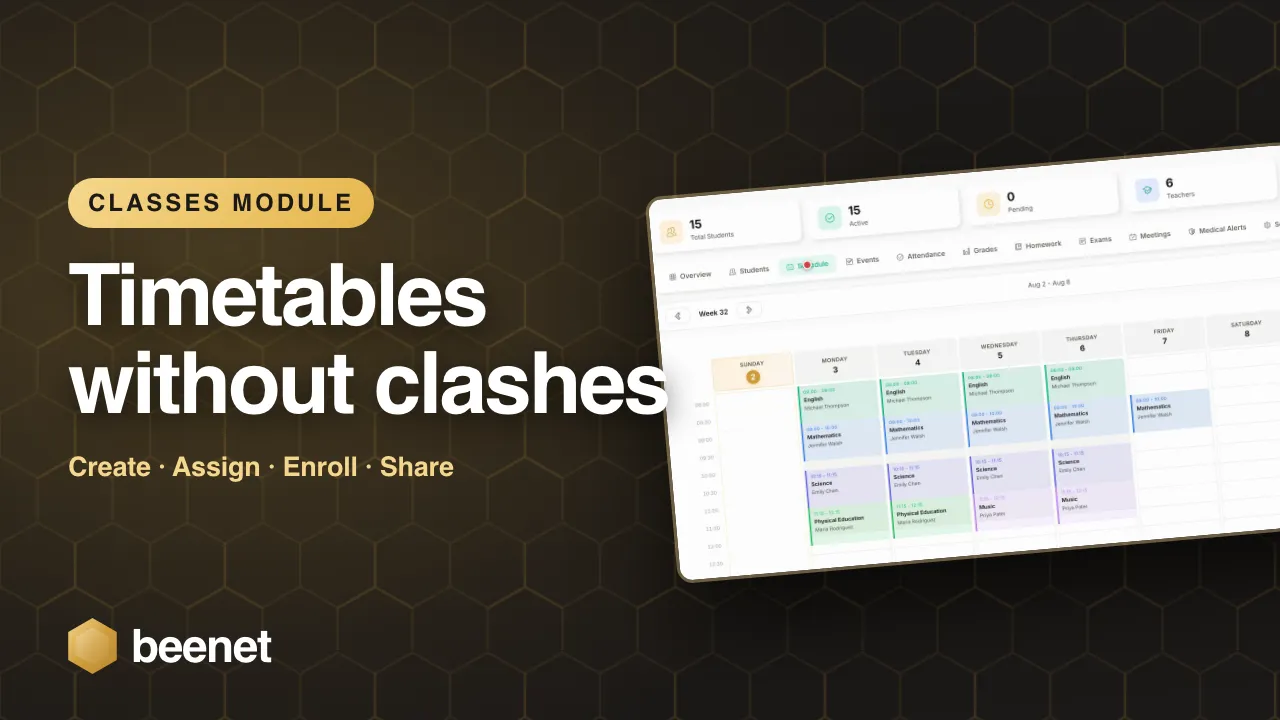
Sessions carry their own subject, instructor, space, academic year and term — a classroom's schedule is a set of specific, individually adjustable sessions, not one fixed weekly template.
Attendance Attributed to the Right Session
Attendance activity resolves against the specific scheduled session, so a covered class's attendance record is correct even when the usual teacher wasn't the one who taught it.
How It Works
Create the classroom
Set the roster capacity and, optionally, a primary instructor validated against active org membership.
Schedule its sessions
Each session carries its own subject, instructor, space, academic year and term — adjust one without touching the rest.
Log a substitution when needed
Record the original and substitute instructor with a reason; parents can be notified automatically if your organisation has that turned on.
Attendance follows the session, correctly
Whoever taught that specific occurrence, attendance resolves against the scheduled session it belongs to.
See It in Action
Watch the walkthrough below, or book a live demo to see this feature for your organisation.
Why It Matters for a School
Hard-enforced, adjustable per classroom — no accidental oversubscription an admin discovers later.
Assigning a teacher to one session grants classroom-level access immediately — no separate setup step to forget.
Turn on automatic parent notification for substitute teachers, organisation-wide, when you want that visibility.
Common Questions
Can a classroom be accidentally oversubscribed?
No. Adding a student past the configured maximum is rejected outright, not just flagged. The default cap is 30 members, adjustable per classroom.
Does assigning a substitute teacher to one session require separate classroom setup?
No. The moment an instructor is assigned to a session, BeeNet automatically grants them the classroom-level access that attendance and grading authorization depend on.
Are parents notified when a substitute teacher covers a class?
That's configurable per organisation. You can turn on automatic parent notification for substitutions if you want that level of visibility.
Is attendance tracked per classroom or per session?
Per scheduled session or occurrence. That keeps attendance attributed correctly even when a substitute, not the usual teacher, is the one who ran a particular session.
Can a teacher substitute for their own class?
Depending on your organisation's policy, self-substitution can be permitted — it's a configurable rule, not a fixed restriction.
Does this include staff-to-child ratio monitoring?
Not on its own. Ratio monitoring is a separate module, built for daycare organisations with adult-to-child ratio requirements — classroom management and ratio monitoring are independent features you can combine if you need both.
Related features
See the Capacity Rules and Substitution Workflow
Book a demo and we'll walk through creating a classroom, hitting its capacity limit, assigning a session instructor, and logging a substitution end to end.
Request Demo